
SEO Pro Analytics

SEO Pro Analytics (formerly SEO Pro Stats) is a free WordPress plugin by WPALLSTARS for actionable analytics. Most statistics plugins count what happened. SEO Pro Analytics also shows why, and what to do next.
It connects your content to the traffic, search rankings and sales it brings, marks every change made to the site on the same timeline, ranks the search work worth doing, and checks whether each change worked. Everything is counted in your own WordPress database.
What it does
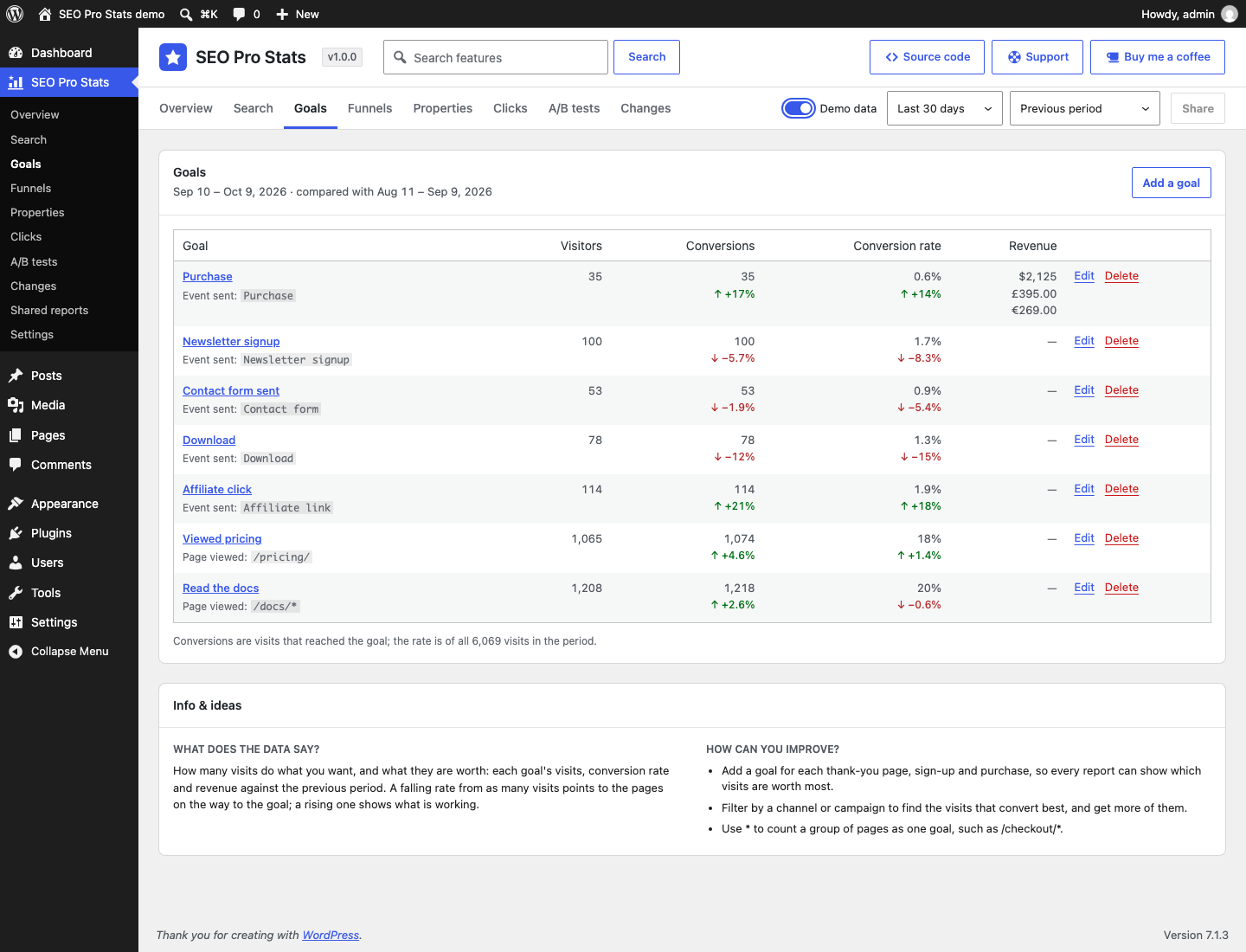
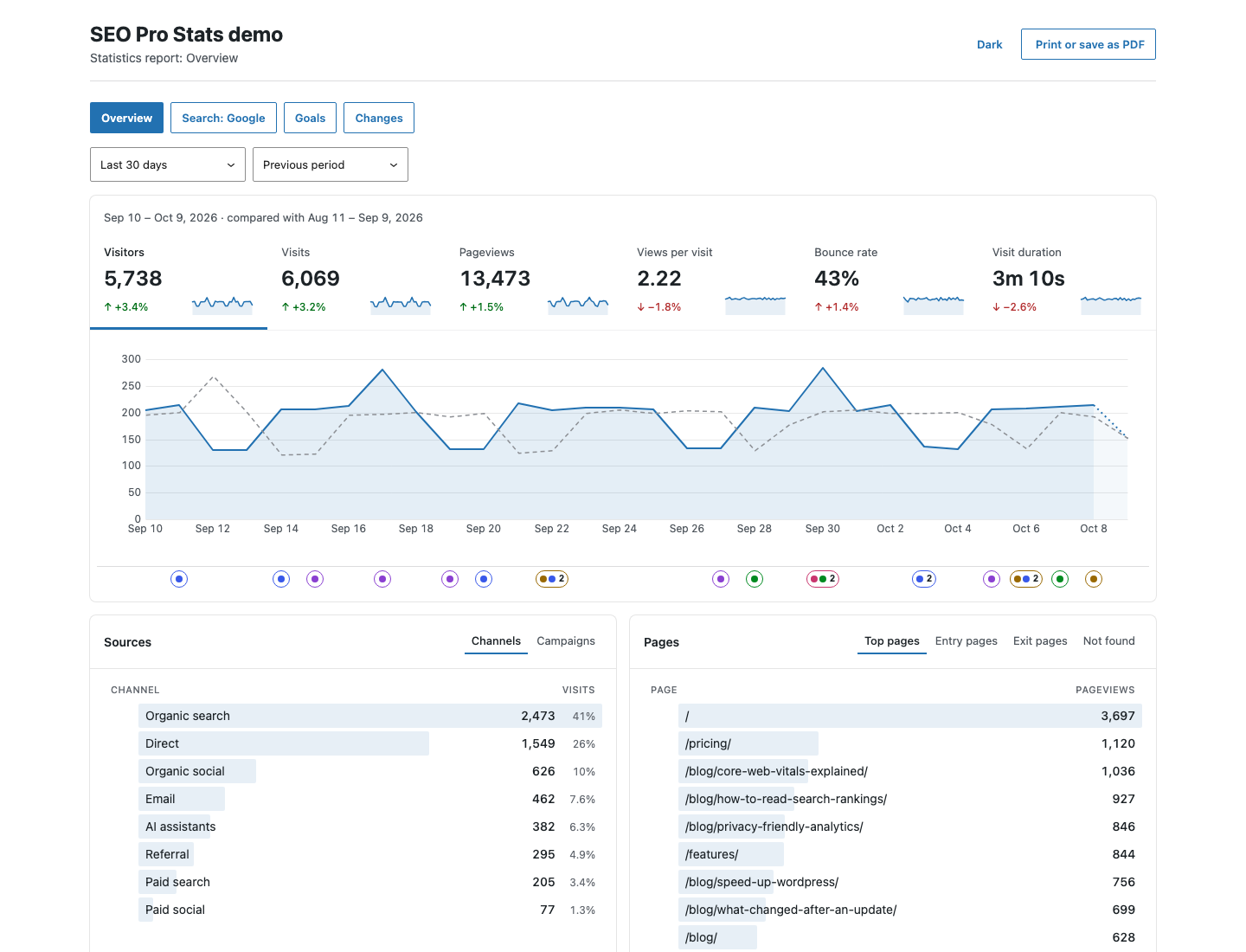
- Private statistics. Visitors, pages, sources, campaigns, countries, devices, goals, funnels and purchases, with no cookies, no stored IP addresses and nothing added to visitors’ pages but a small script.
- Cause and effect. Edited posts, rewritten SEO titles, price changes, plugin updates and Google’s search updates are marked under every chart, so a rise or a drop comes with its likely causes.
- Search rankings. Clicks, impressions and positions from Bing Webmaster Tools, and from Google Search Console with the Connect add-on, by page and query, beside the visits and sales each page brings.
- A plan, not just a report. Search → Plan ranks what to do next from your own data. Experiments and A/B tests show whether each change worked.
- For AI agents too. Every report through the REST API, WP-CLI and WordPress abilities.
Screenshots
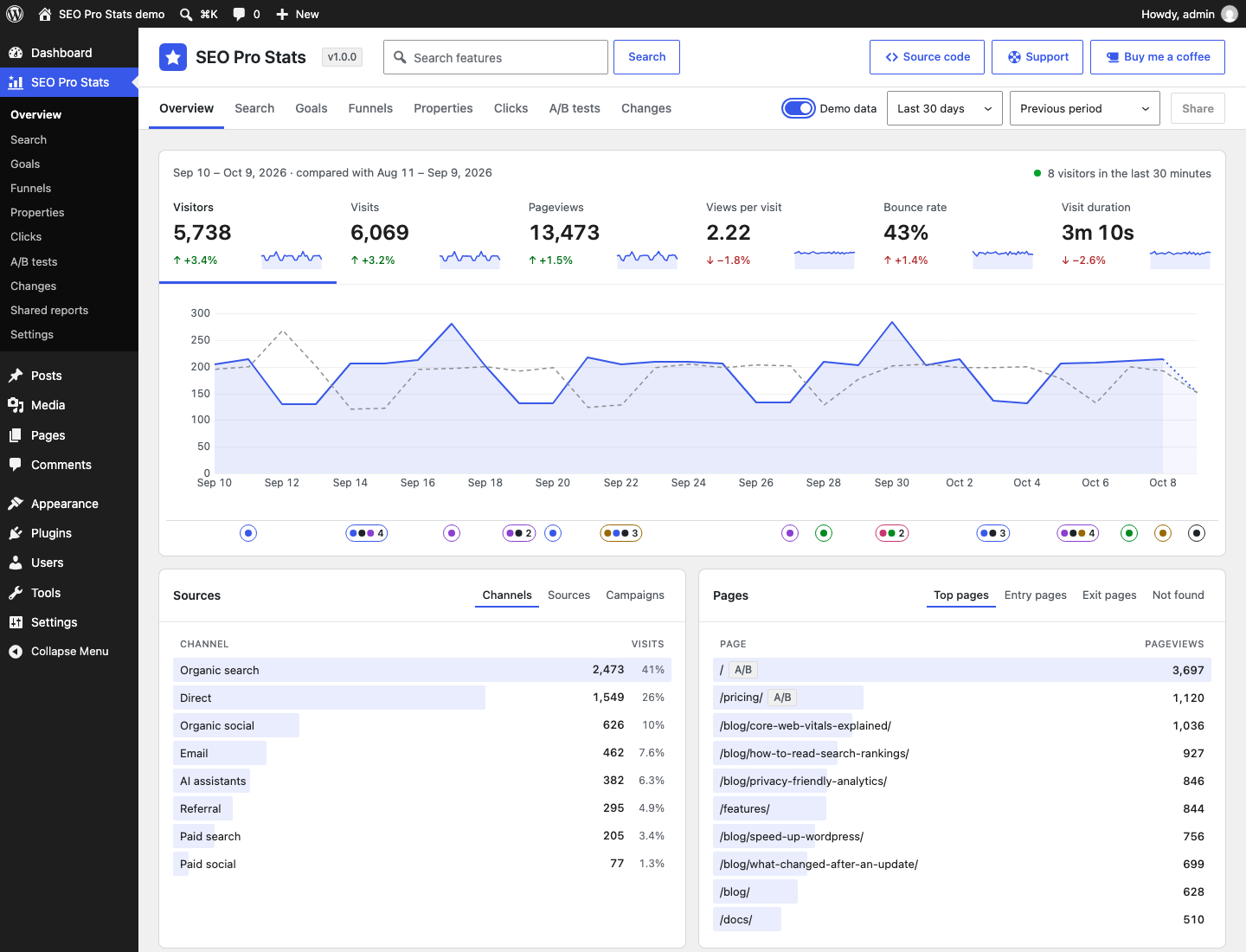
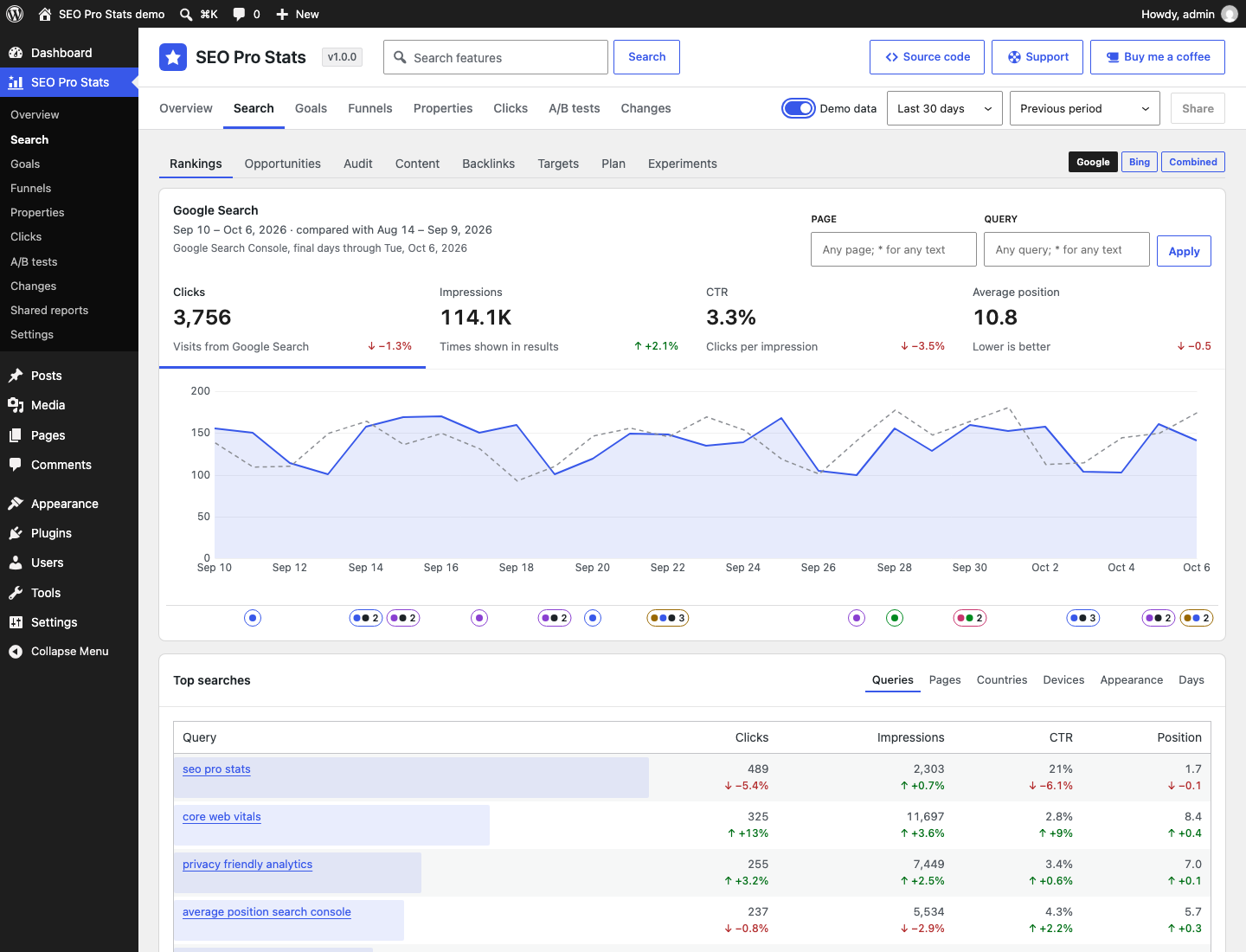
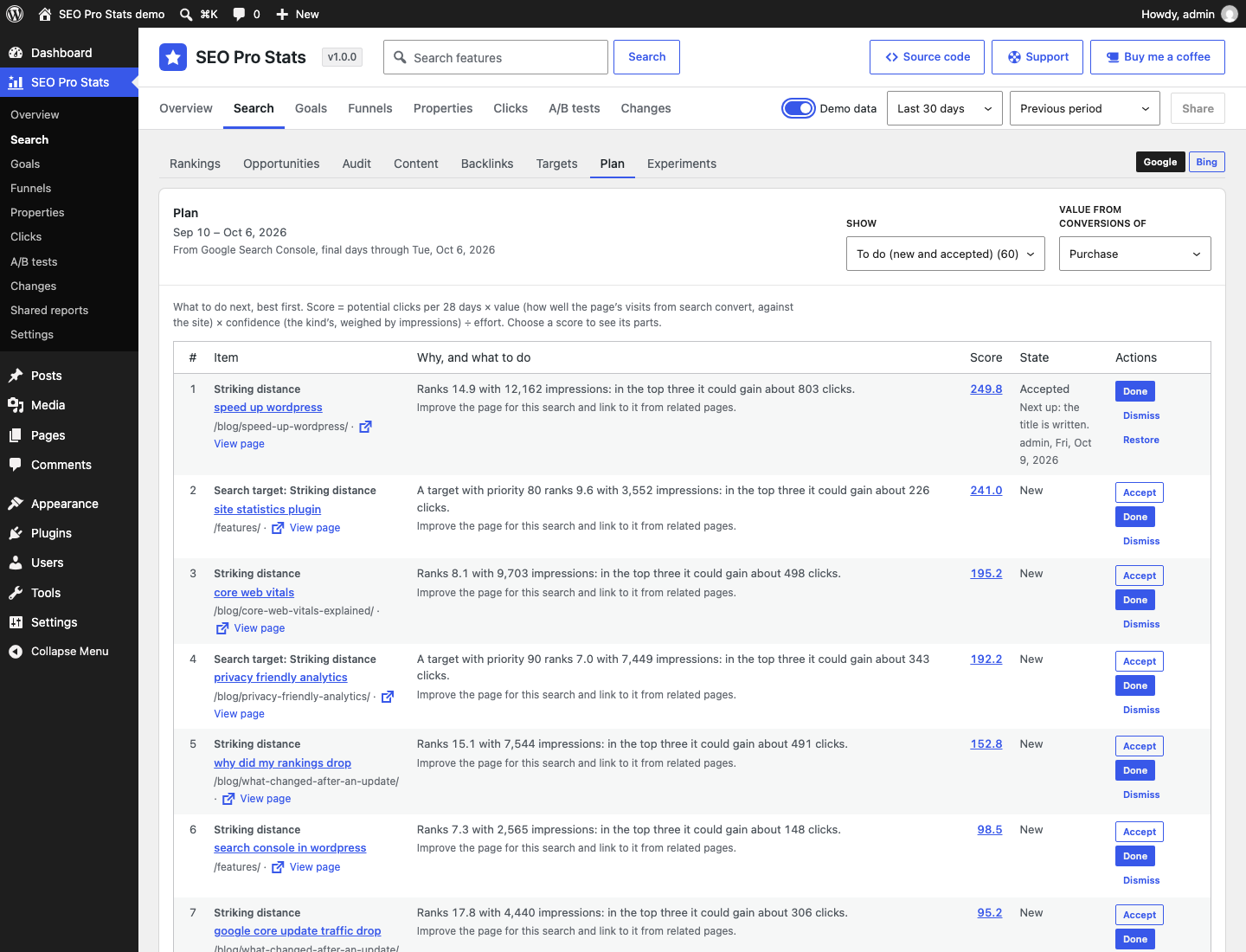
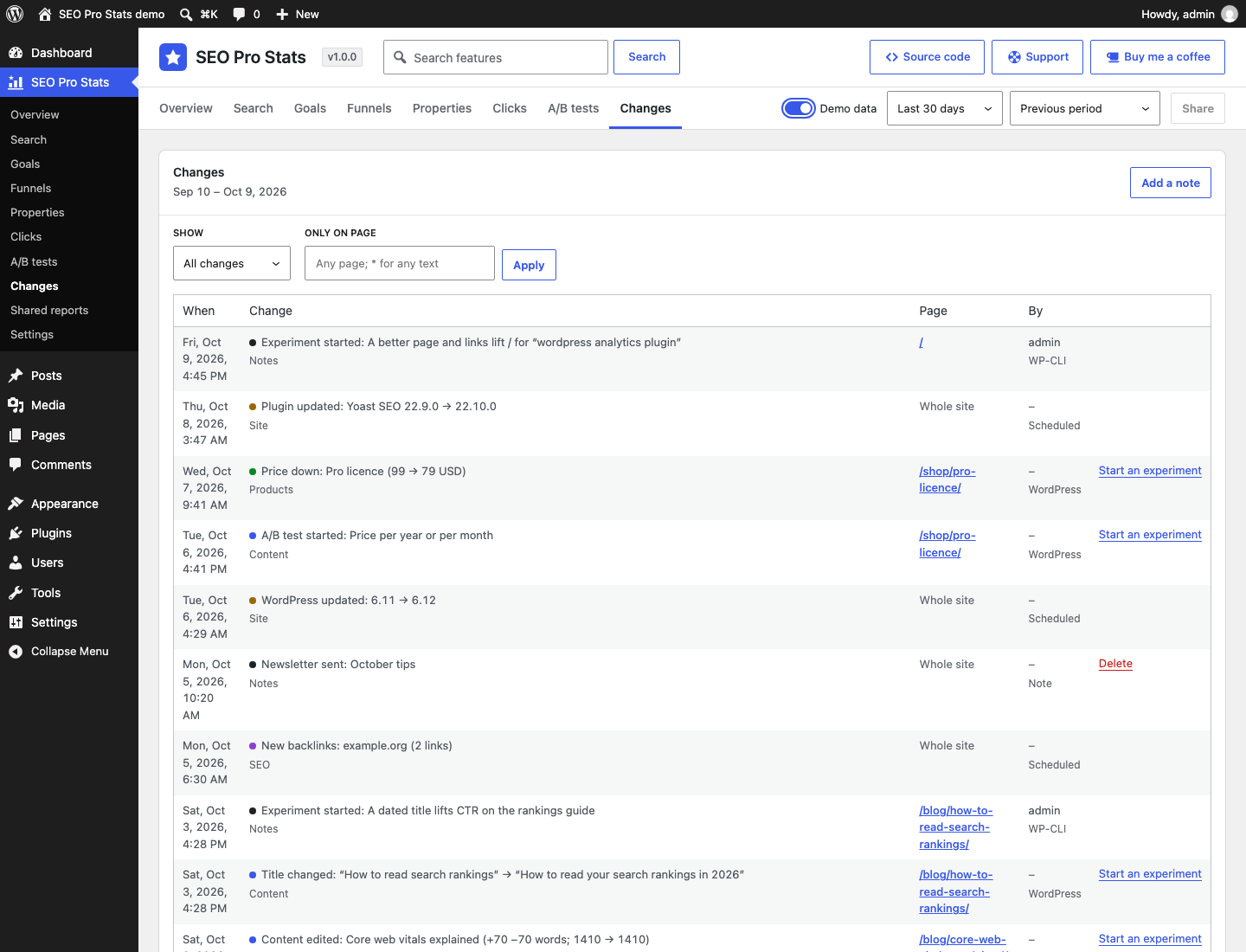
Connecting Google Search Console
Google Search Console connects through the SEO Pro Analytics Connect add-on. In SEO Pro Analytics → Settings → Connections, a site administrator can choose Sign in with Google. Google then asks them to allow SEO Pro Analytics read-only access to their Search Console data. With it, the add-on imports into that WordPress site:
- search performance: clicks, impressions, click-through rate and average position by day, page, query, country, device and search appearance;
- the list of Search Console properties the account can see, to find the site’s own;
- the site’s sitemaps and URL Inspection results for its own pages.
It never changes anything in Search Console. The data is shown only to that site’s administrators, in their own wp-admin, and stays in their own database. Disconnecting revokes the access with Google. How Google user data is handled is set out in our privacy policy.
Support
Open an issue on GitHub, or email . SEO Pro Analytics is free and open source under the GPL v3 or later. More plugins: WordPress plugins by WPALLSTARS.