
Fix ‘Plugin file does not exist’ Notices
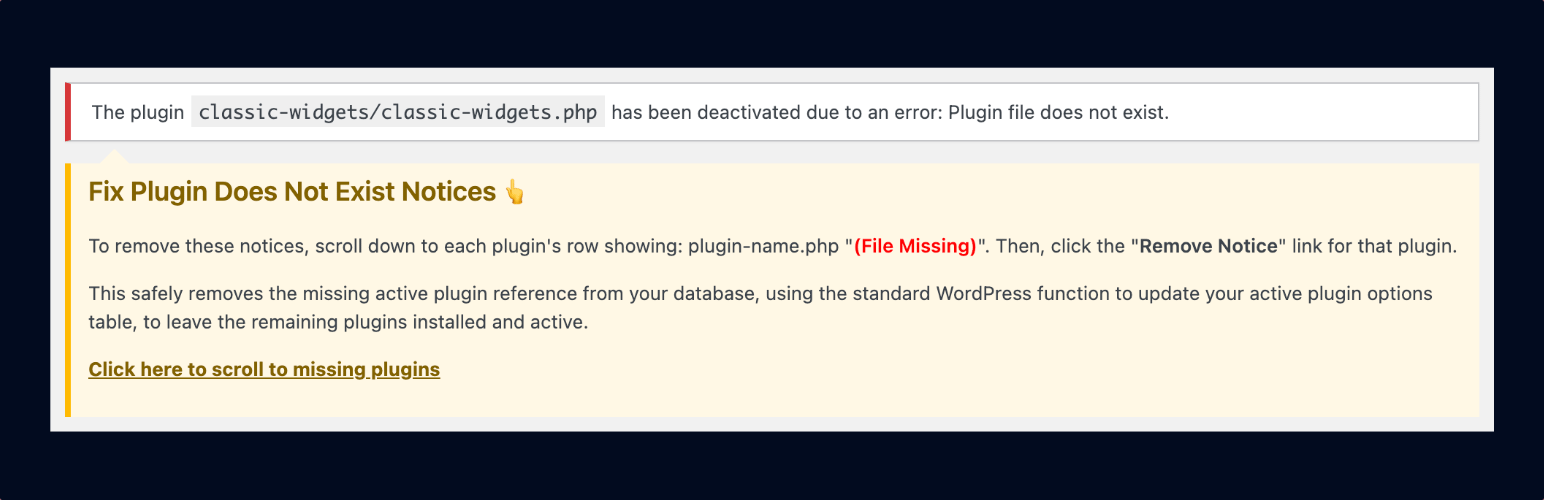
“The plugin folder-name/file-name.php has been deactivated due to an error: Plugin file does not exist.”
WordPress shows this once, on the Plugins screen, when a plugin’s folder was deleted without using that screen: by FTP, a host’s file manager, a migration or a security tool. WordPress has already switched the plugin off; your content, settings and other plugins are untouched.
What it does
- Explains the message right below it, in plain words: which plugins WordPress could not find, that they are now off, and what to do next.
- Removes the entries deleted plugins leave behind in the “Recently active” list and the list of uninstall routines, which WordPress never clears.
It runs only on the Plugins screen, for people who can manage plugins. It has no settings, stores nothing and contacts no outside services. It works on single sites and multisite networks. Once the message is gone, you can deactivate and delete it.
Want more? SEO Pro Stack does this too, along with the jobs of 40+ other single-purpose plugins.
Support
Open an issue on GitHub, or email . Free and open source under the GPL v2 or later. More plugins: WordPress plugins by WPALLSTARS.